

Browse docs
Managing credit as an admin
Add, reduce and extend credit from the office, with everything emailed and audited.
Most credit creates itself through cancellations. The Tempo → Credit screen is for the rest: goodwill gestures, compensation, corrections, and answering "what's on this family's account?" with the full picture open in front of you.
Your site may use different words. Tempo lets you rename class, student and teacher under Settings → Branding & vocabulary; these docs use the defaults.
The account view
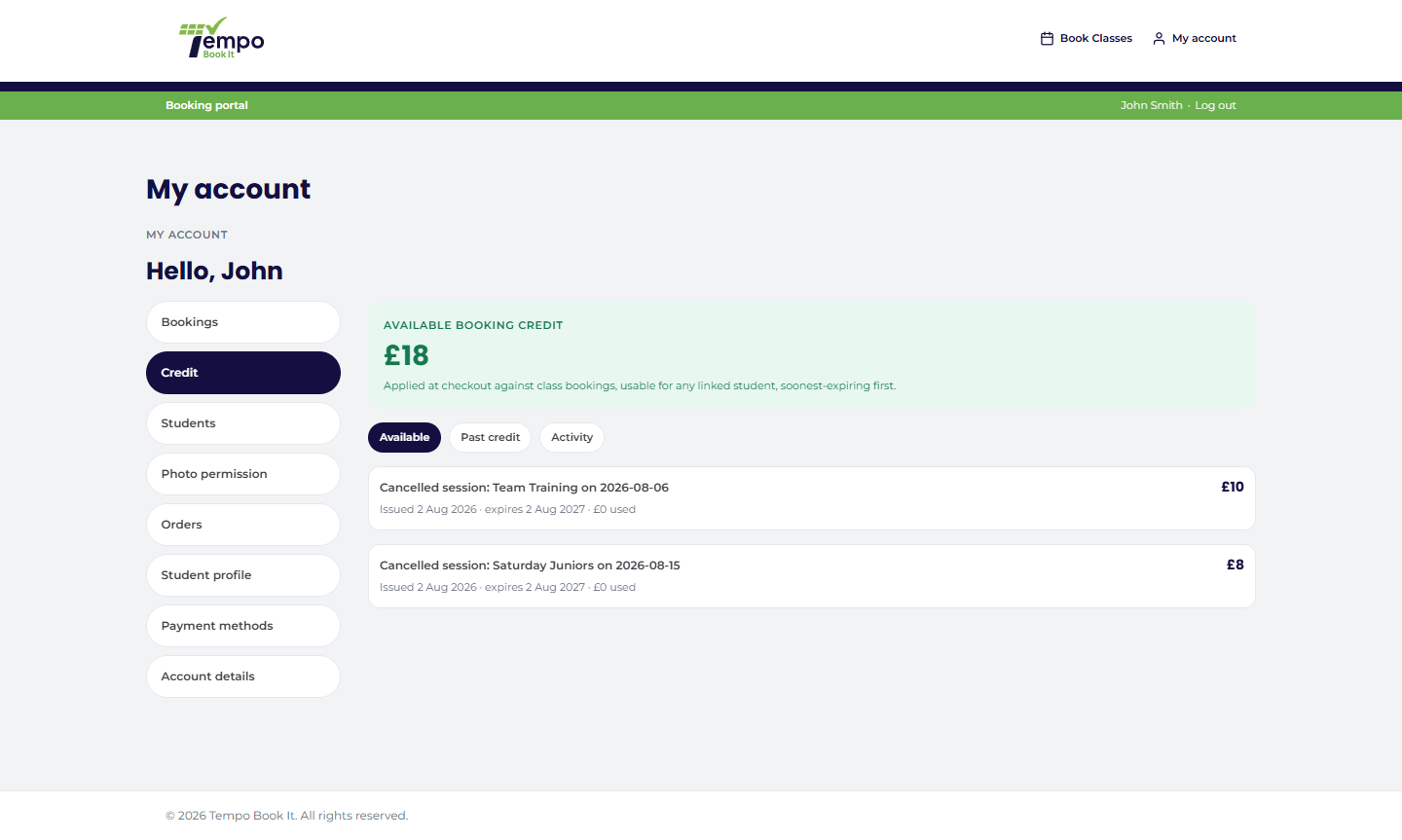
Pick an account and you see their balance, every lot (original amount, remaining, expiry, status) and the full append-only history: issued, spent at checkout, expired, adjusted, refunded. It's the same picture the family sees on My Account, plus your admin actions.
Add credit
Add an amount with a reason (required, audited) and optionally a custom expiry date (must be in the future; otherwise your default applies). The purchaser gets the standard credit-added email automatically, so a goodwill gesture always announces itself.
Credit always goes to an account that can spend it. A parent-managed child can't hold credit (no login, no checkout), so the screen directs it to the paying parent instead.
Reduce a lot
Reductions correct mistakes ("issued £40, meant £20") and can't exceed the lot's remaining value. The adjustment is written to the history and the family is emailed about it; silent shrinking of someone's balance isn't a thing this system can do.
Extend a lot's expiry
For active lots only, and forward only: an earlier date is rejected, so the tool can never quietly shorten anyone's credit. Extending re-arms the expiry reminder email. An already-expired lot is never reactivated; if the club decides expired credit deserves another life, add a fresh lot with a reason, which keeps the history honest.
Where the other credit levers live
Issuing credit against specific bookings (cancelling with credit, credit-only goodwill on kept bookings) is done from the Bookings hub singly or in bulk, where the anti-double-compensation checks see the bookings in question. Refunds, the money-actually-leaves path, are their own administrator-only flow. And the whole ledger, like everything else, is inspectable in the audit log.
Thanks. That helps us improve these guides.
Thanks for letting us know. Ask us on the Support page and we'll help directly.