

Browse docs
The operations dashboard
Today's club at a glance, with every tile one click from the screen that acts on it.
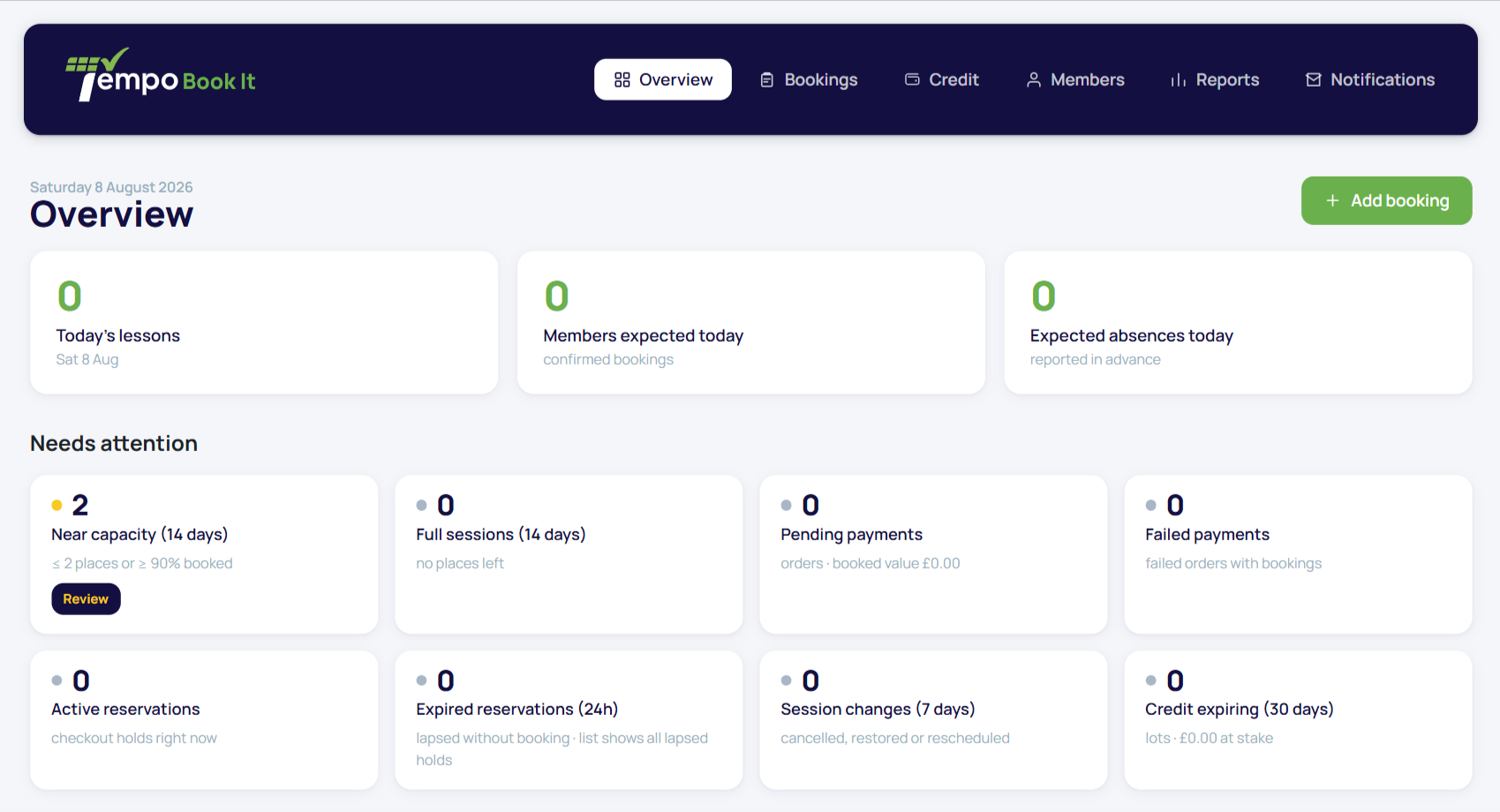
Tempo → Dashboard opens on the operations tiles: the day's numbers, each linking to a pre-filtered screen where you can actually do something about them. It's built to be the one tab the office keeps open.
Your site may use different words. Tempo lets you rename class, student and teacher under Settings → Branding & vocabulary; these docs use the defaults.
The tiles
- Today's classes → the Sessions screen for today.
- Students expected today and expected absences today → the Bookings screen, filtered to match the count exactly.
- Near-capacity and full sessions (next 14 days) → the capacity report. Near capacity means two or fewer places left, or 90% full; your waiting-list radar.
- Pending payments → unpaid bookings (who owes money).
- Failed payments → orders that failed while carrying bookings; the follow-up list.
- Active and recently expired reservations → the live checkout holds views.
- Session changes (last 7 days) → the audit history, same window.
- Credit expiring (30 days) → the liability report.
Amber accents flag any tile with a non-zero attention count, and a Recent booking activity panel lists the latest booking events with links to each record. Tiles that lead to the Reports page only show for staff who can view reports.
System health
Below the tiles, the health checks watch the wiring: the Book classes page link, background jobs heartbeat, email sending failures and the site timezone. Green means forget about it; anything else names the problem and links the fix. These checks feature throughout the troubleshooting articles, which is deliberate; the dashboard is always your first diagnostic stop.
Using it well
The morning routine this screen wants from you: glance at expected absences (teachers already know, the register is pre-marked), glance at pending and failed payments (chase or don't), glance at near-capacity (open a second class or start a list), and move on with your day. Everything deeper lives in Reports.
Thanks. That helps us improve these guides.
Thanks for letting us know. Ask us on the Support page and we'll help directly.