

Browse docs
Activating your licence and free trial
Start the 14-day free trial, activate a licence, and understand what happens if a licence ever lapses.
Every site running Tempo Book It needs an active licence, and every new site gets a 14-day free trial of the full plugin, nothing held back.
Starting the trial
After activating the plugin you'll be asked to activate a licence or start the trial, from a screen inside your WordPress admin.
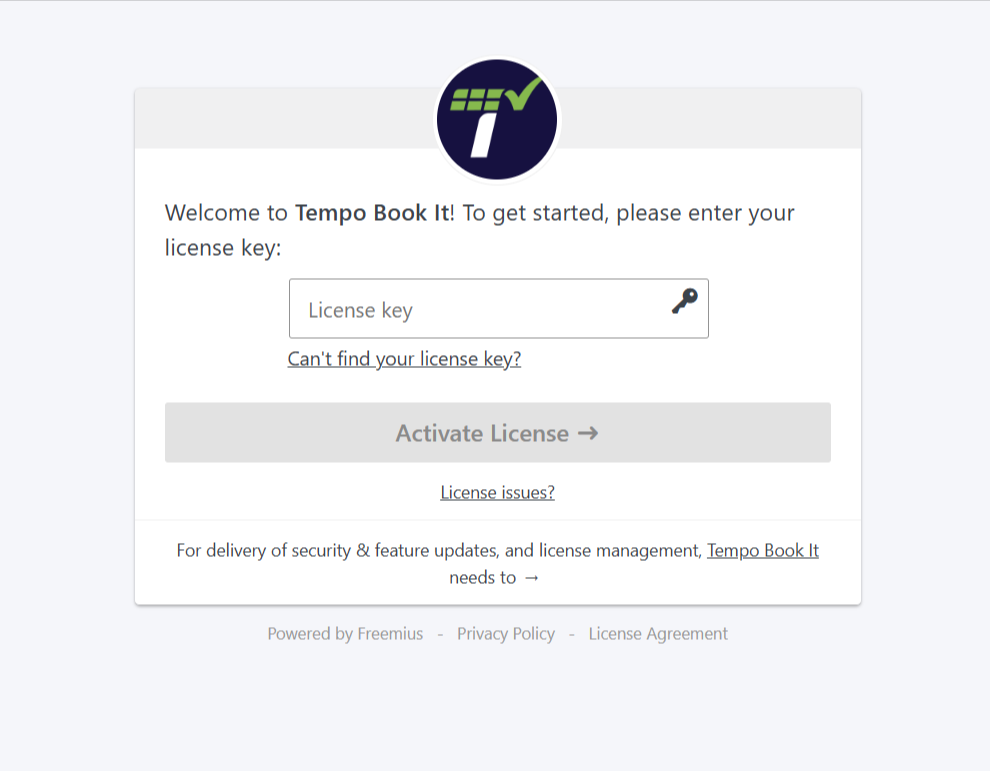
The trial asks for payment details up front and converts to a paid annual licence when the 14 days end, unless you cancel first. Cancelling during the trial costs nothing. You'll get email confirmations when the trial starts and before it converts, so nothing happens silently.
Checkout, receipts and licence emails come from Freemius, our checkout partner, so that name will appear on your receipt and in licence emails. It's us; nothing to worry about. For any licence question, contact us through the Support page as usual.
Activating a purchased licence
If you purchased first, the confirmation email contains your licence key. On the activation screen, choose to activate a licence and paste the key. The plugin unlocks immediately.
What your licence includes
An active licence covers one site and includes plugin updates delivered straight to your dashboard (updates appear under Dashboard → Updates like any other plugin) and standard support through the Support page. Renewal, payment details and cancellation are covered in Licence management, renewals and what happens if you lapse.
What happens without a licence
Honest answer, because it matters when you're trusting a plugin with your club's bookings:
- Admin screens show a licence activation panel instead of their usual content.
- The booking page and register show members a neutral "temporarily unavailable" notice. Members are never shown anything about billing; what you tell them is up to you.
- Booking, checkout, credit and Tempo's emails pause.
Nothing is ever deleted. Every class, booking, credit balance and audit record stays exactly where it was, and the whole plugin comes straight back the moment a licence is active again. A lapsed card or a missed renewal is an inconvenience, not a data loss.
A small number of sites that were already running Tempo before licensing existed are permanently exempt and never see any of this. If that's you, you already know.
Next step
Run the setup wizard if you haven't, or jump into the Quick start.
Thanks. That helps us improve these guides.
Thanks for letting us know. Ask us on the Support page and we'll help directly.